KickSide/Use cases
What people build with KickSide
Four places to start. Each one has its own page with what gets built, who it's for, and the first thing to switch on. All of them begin with the same two-command install, and all of them run on a copy you own.
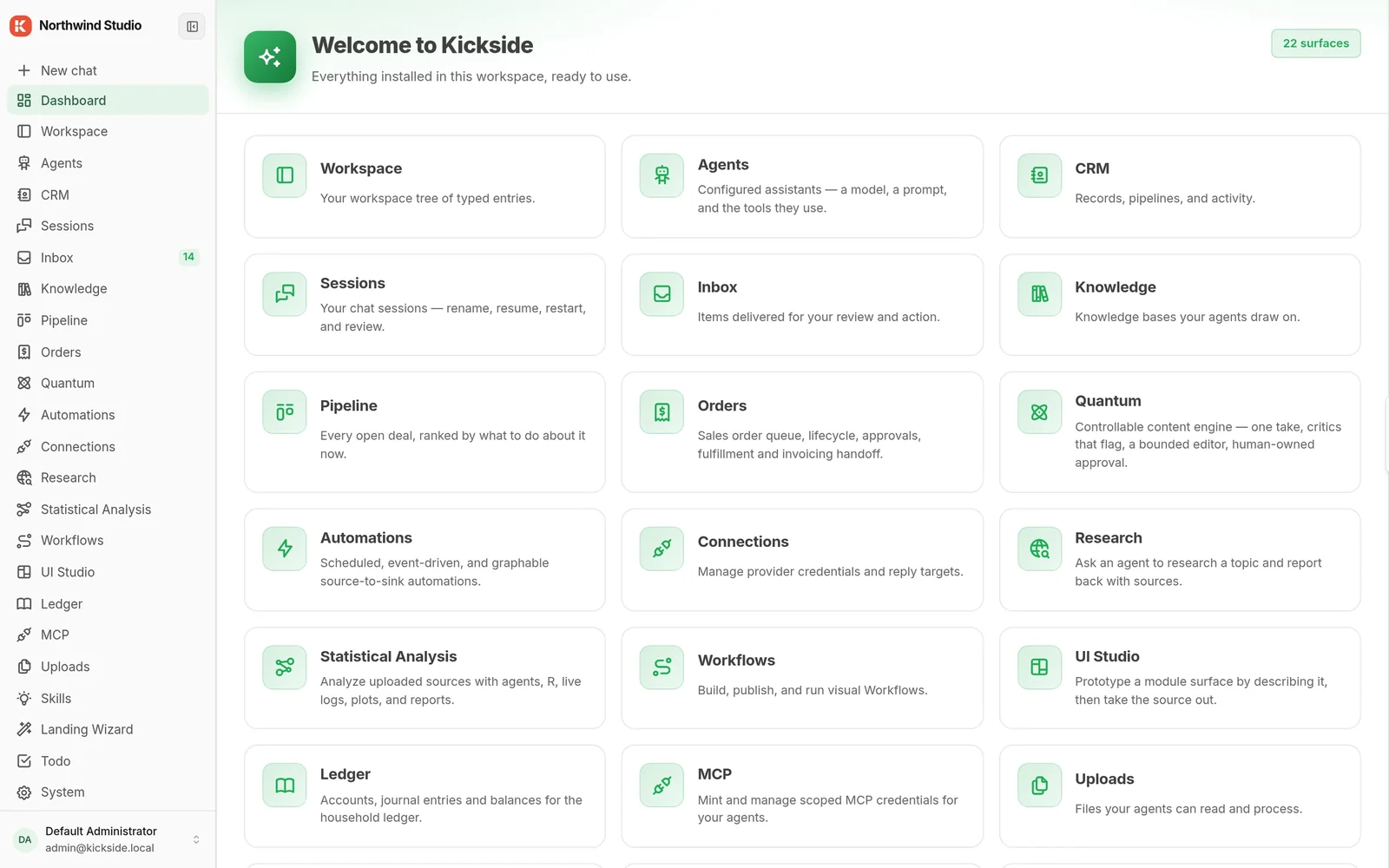
Know what to do before every call
The pipeline is bigger than anyone can hold in their head. Deals go quiet without anyone noticing, and every meeting starts with ten minutes of catching up.
Who: founder-led sales, small teams on HubSpot, presales groups of two to twenty.
What gets built
- Deal-health monitor. Runs every morning, flags contacts gone quiet and proposals nobody followed up.
- Pre-call brief. Who they are, what they said last time, what's open, three questions to ask. In your inbox an hour before.
- Lead research with a drafted reply. Inbound comes in, gets scored against who you actually sell to, reply drafted for approval.
- Outbound with a quality gate. Emails in your voice, checked against your rules before a person approves them.
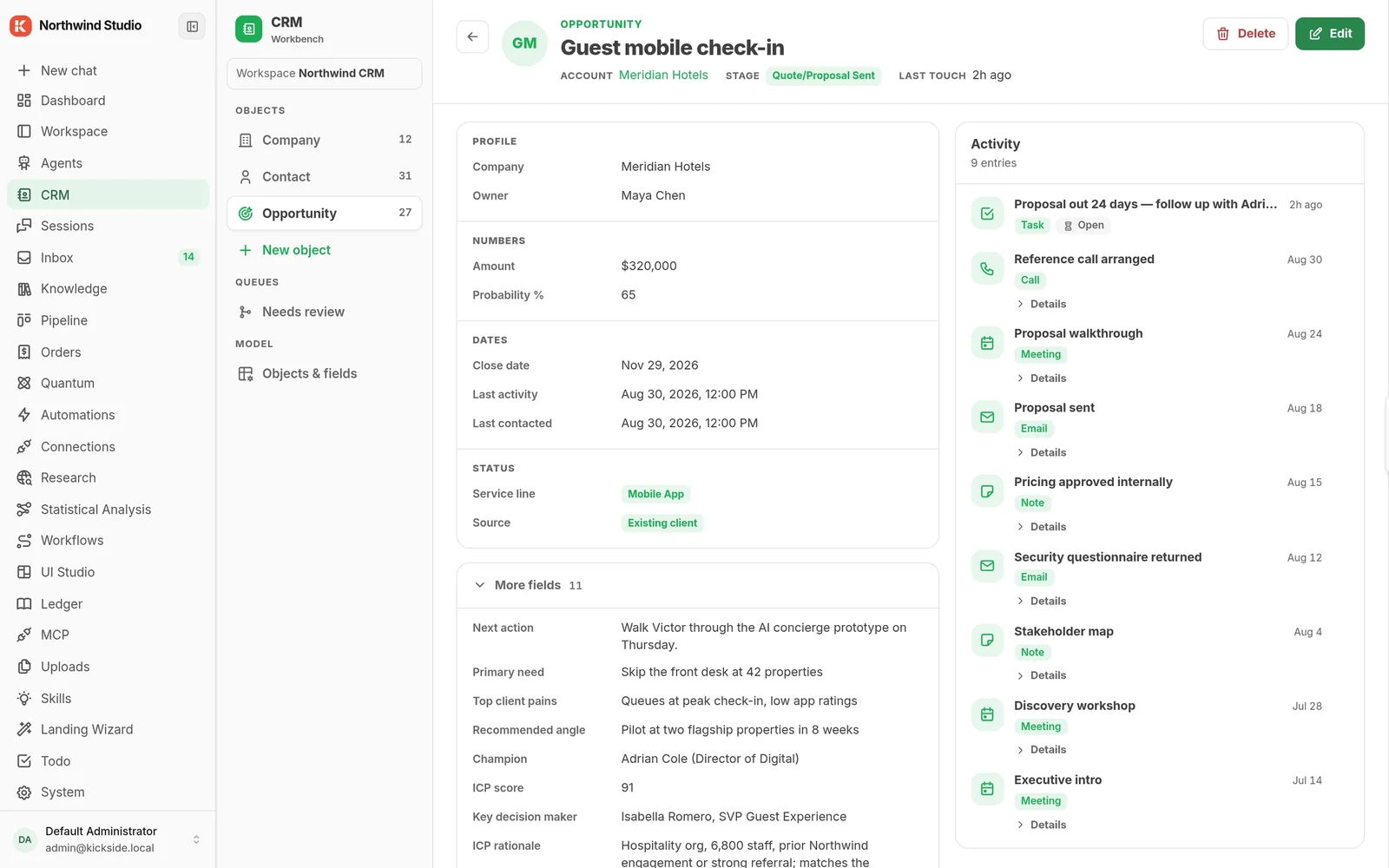
Make the tool you built permanent
Someone built something useful with an AI tool and it lives on their laptop. Nobody else can run it, and when they're away it stops.
Who: RevOps, business systems, an ops lead with a scripting habit, a founder doing all of it.
What gets built
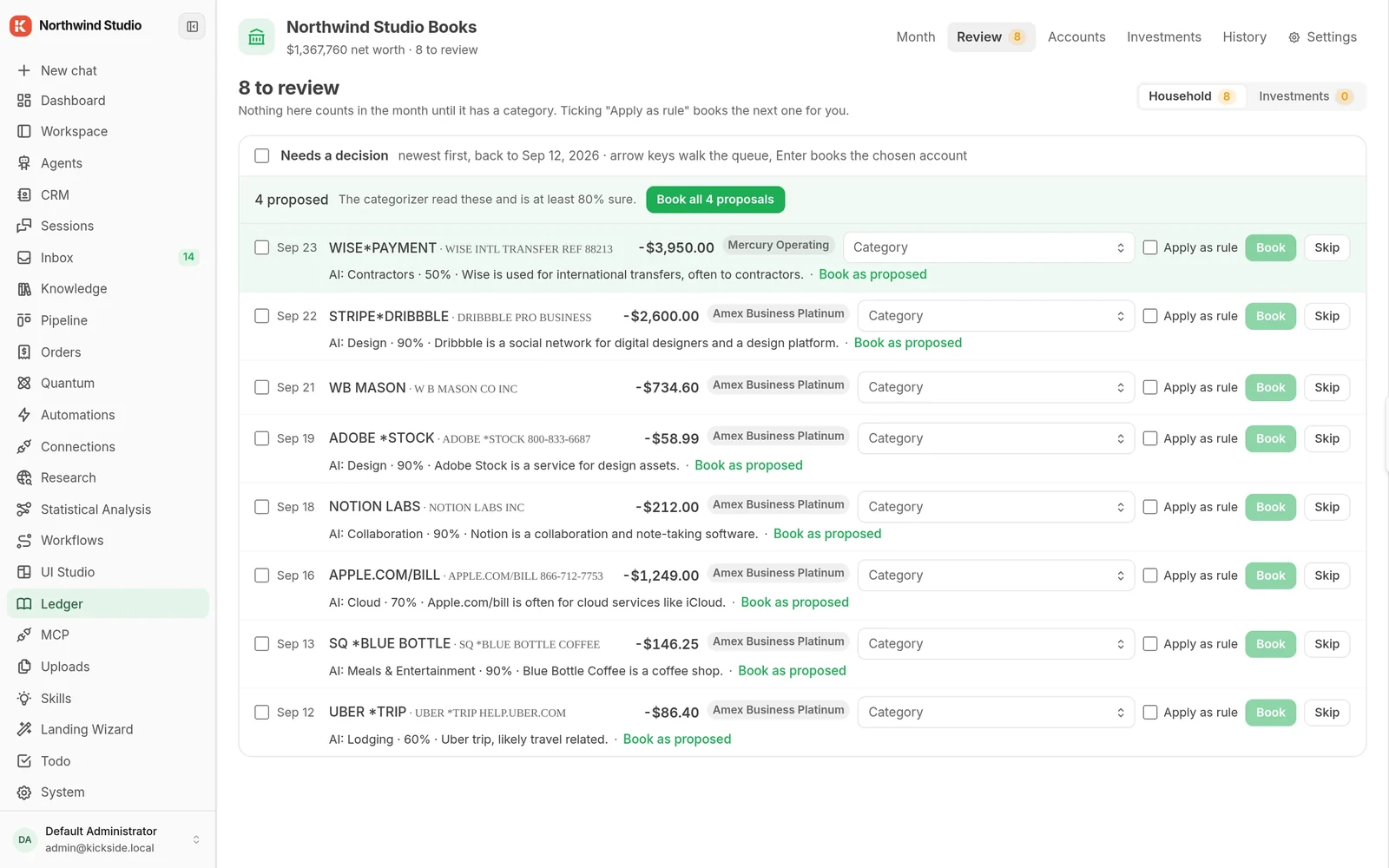
- Approval inbox. Anything an agent drafts or decides waits for a person. One queue.
- Scheduled automations. The Monday report, the renewal reminder, the weekly contact check. Set once.
- Connections. HubSpot, Gmail, Slack, Jira, GitHub, Google Calendar. Read from them, write back.
- Your own agent's work. Point Claude or Cursor at your copy and what it builds lands next to real data.
Build once, install for every client
You've built the same client system four times and billed hours each time. The knowledge is yours; the recurring revenue goes to somebody else's software.
Who: dev shops, MSPs and consultancies, roughly 8 to 80 people, with repeat client builds.
What gets built
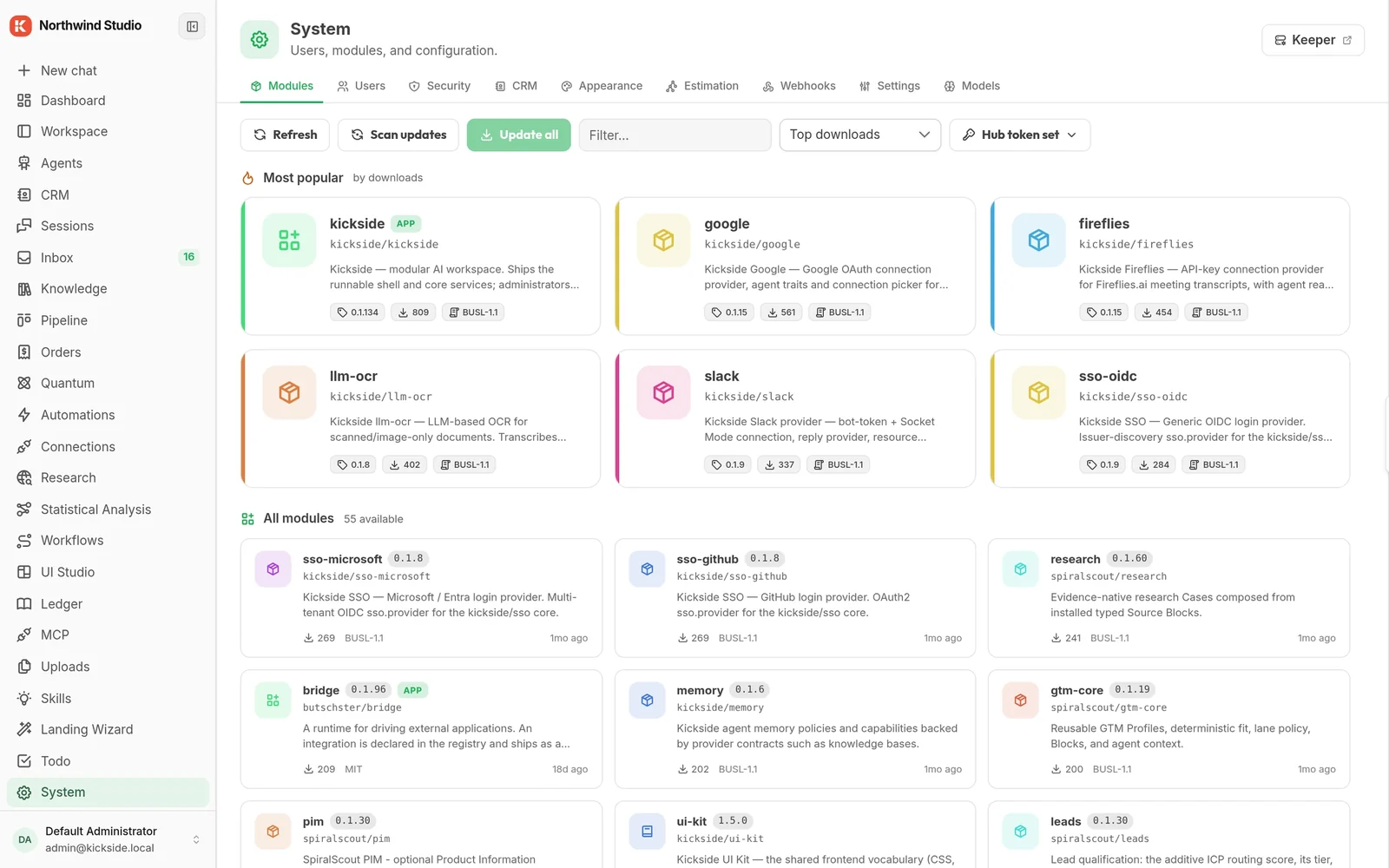
- One module, many clients. Package the system you keep rebuilding. Install it into any client's copy in minutes.
- Your name on it. Publish publicly or privately. You keep ownership. Clients see who built it.
- Updates in one place. Fix it once, every client updates from one screen.
- Hosted for clients who want that. Cloud Team lets you run a client's copy for them.
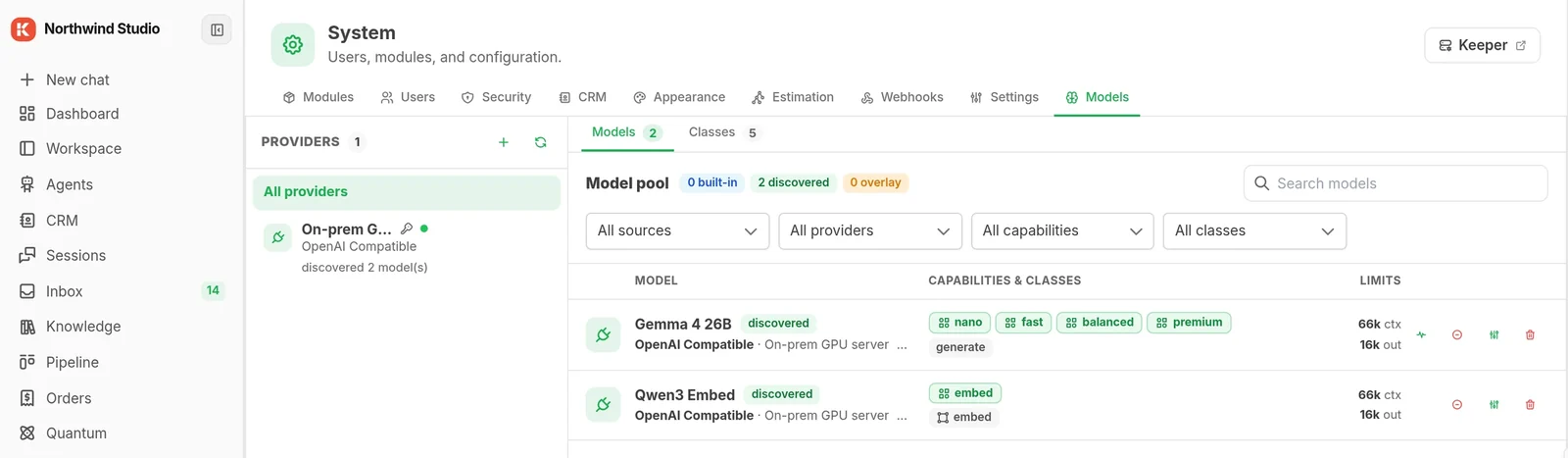
Use AI without the data leaving
You want what AI can do and you can't hand your client list to a vendor. The security review is a gate, and most tools fail it on the first question.
Who: legal, finance, health, insurance, EU. 50 to 500 people with a named owner for IT or compliance.
What you get
- One copy per company. On your servers or your cloud account. Nothing shared, nothing passing through ours.
- Agents that start with no access. They can't read files, reach the internet, or touch other parts until you allow it.
- A record of everything. What ran, for whom, against which record. Your compliance team reads it directly.
- Enterprise deployment. Private cloud, dedicated, or fully offline, with a named engineer.
None of these is a product you buy. They're things you assemble.
Every one of them starts as the same running copy of KickSide with the same contacts, deals, documents and approval inbox underneath. What makes it a sales system or an ops system is which modules you switch on and which tools you connect.
That is why the second thing is faster to build than the first, and the fifth is faster than the second. You are not integrating separate products. You are adding to one.
One install. Then whichever of these you need.
Install it, connect one thing, add a module
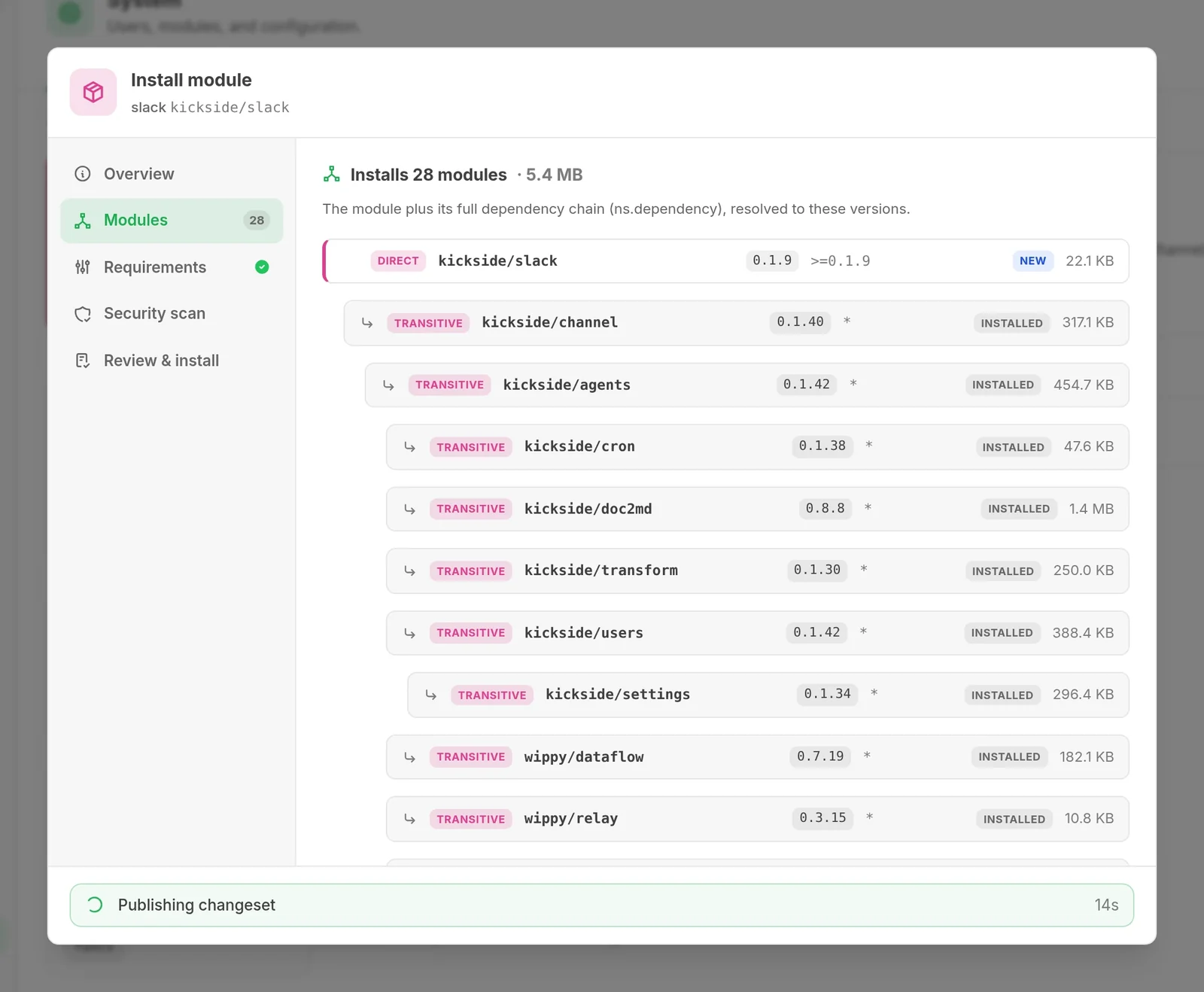
Install
Two commands on your machine or a cloud box. About a minute, and everything stays on that machine.
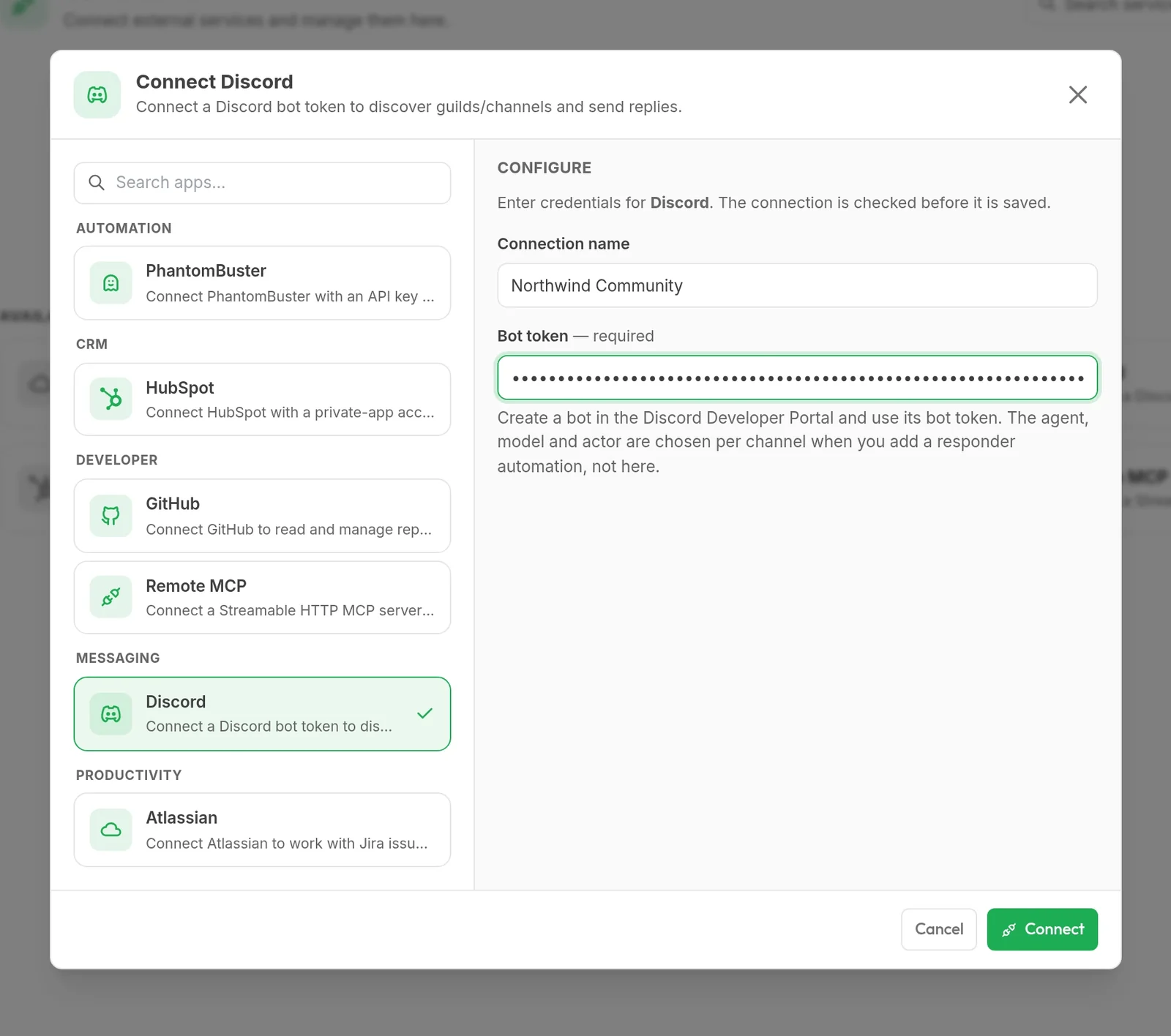
Connect
HubSpot, Gmail or Slack. One connection is enough to be looking at your own data instead of sample data.
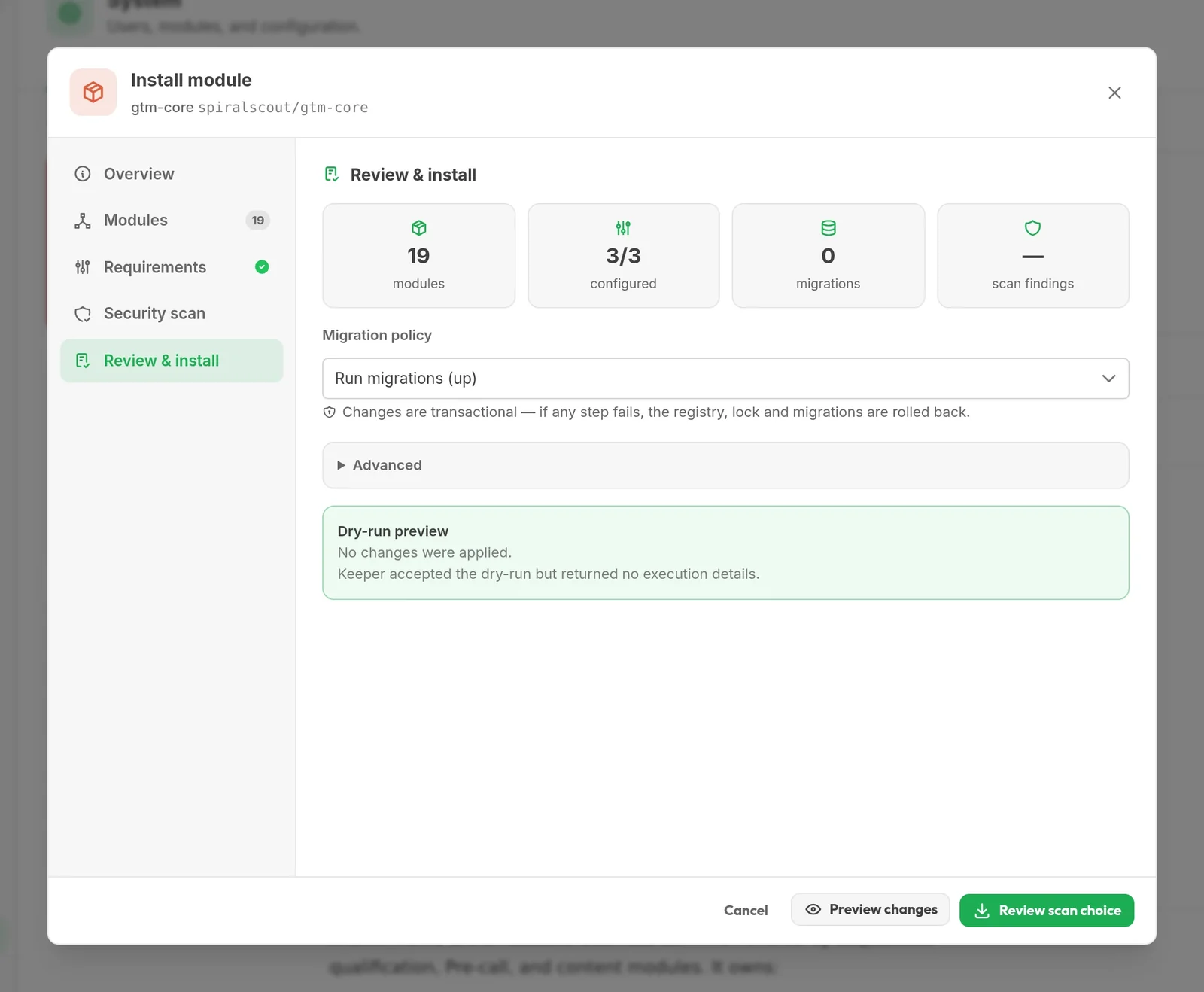
Add a module
From one of the pages above, from the Hub, or built with the AI tool you already use.
Two commands, and you're running.
On your laptop, a server, or a cloud box. About a minute. The email is optional and gets you the setup guide.
curl -fsSL https://get.wippy.ai | shwippy install kickside