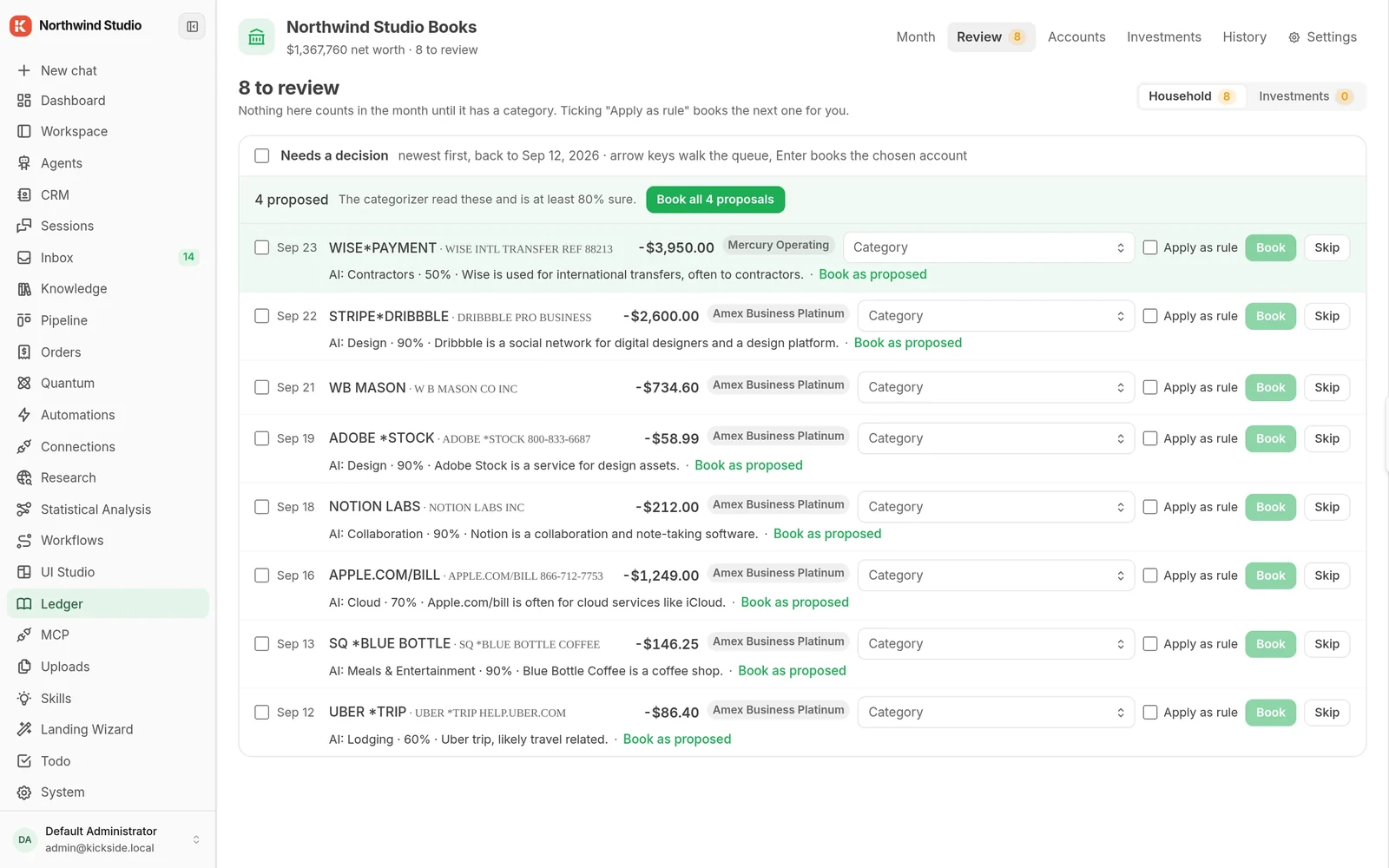
One place, one queue, nothing slips out unseen
Anything an agent drafts or decides waits here for a person. This is the difference between an automation you can defend to your boss and one you quietly turn off.
The script works. It just has nowhere to live except your laptop.
Anything an agent drafts or decides waits here for a person. This is the difference between an automation you can defend to your boss and one you quietly turn off.
The Monday report. The renewal reminder. The weekly check on who has not been contacted. It tells you when it fails instead of failing silently.
Read from your existing systems and write back to them, from one place, with one set of credentials that lives on your machine rather than in six different scripts.
Point Claude or Cursor at your copy and what it builds lands next to everything else, with the same data underneath and the same rules in force.
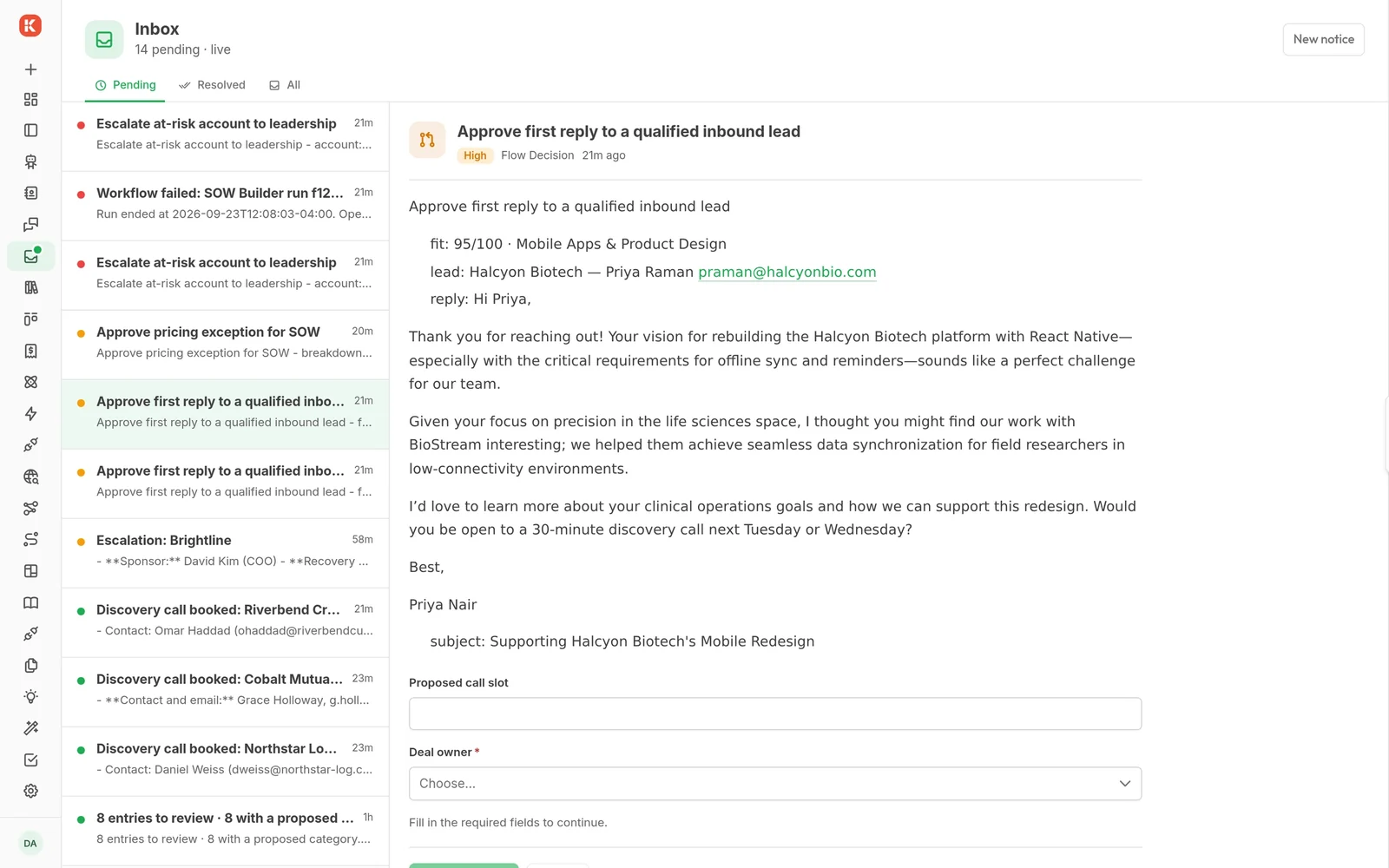
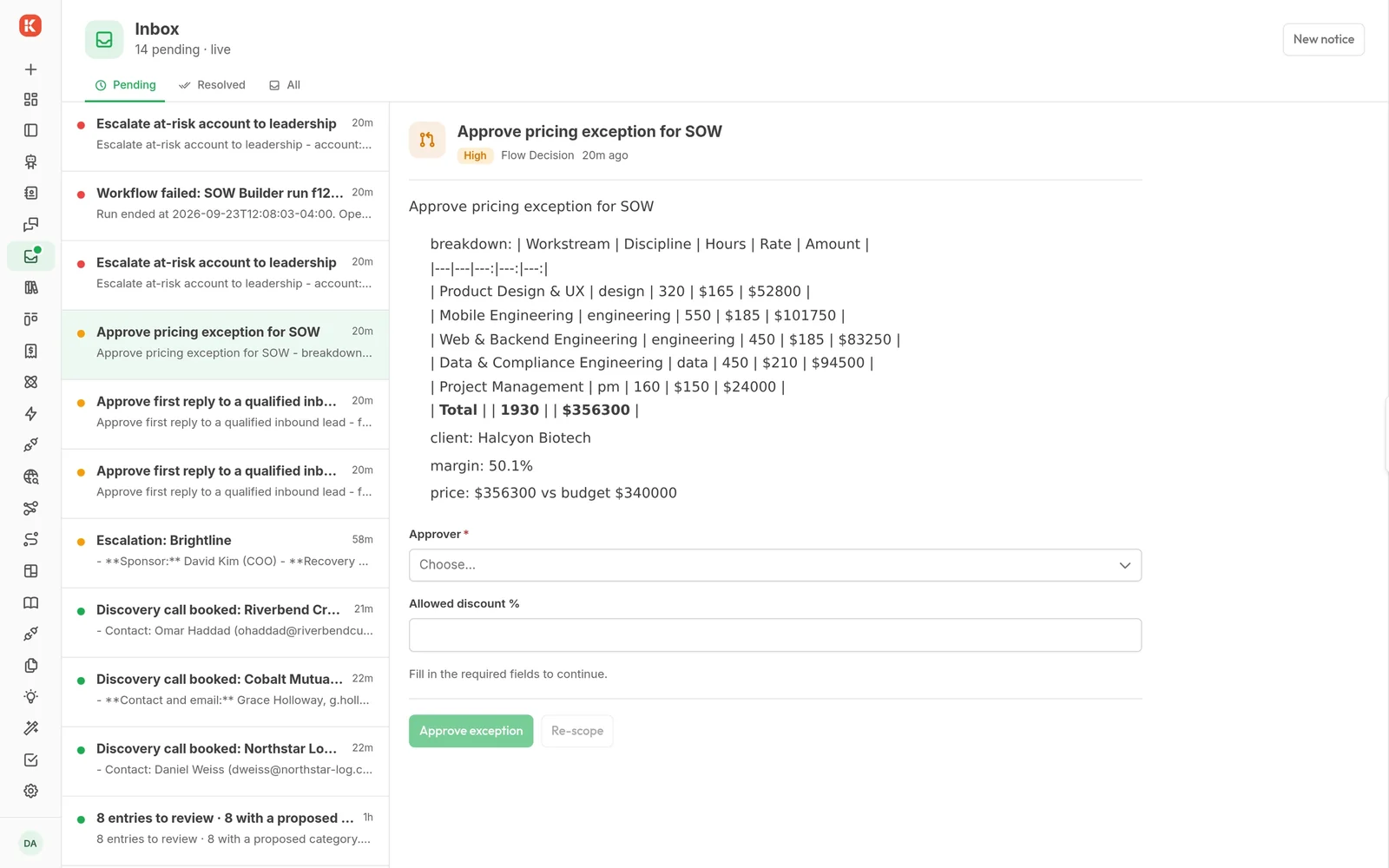
Every agent, automation and module writes into the same queue. You read it once a day, approve what is right, and edit what is close. This is the screen that makes the rest of it safe to switch on.
It runs on a machine that is not your laptop, with credentials that are not in your home directory. You can go on holiday. Someone else can look at why it broke.
Unlimited users on every plan, including the free one. The people who need the output stop asking you for it.
What ran, when, for whom, against which record. When someone asks why a customer got that email, there is an answer that is not your memory.
The second automation reads the same contacts and writes to the same inbox as the first. You are adding to one system rather than starting another.
RevOps, business systems, an operations lead with a scripting habit, or a founder doing all of it. Usually the one person in the company who knows how the tools actually connect, and who is tired of being the connection.
Start on Community, on your own machine, free. When a second person needs to use what you built, or you need a separate copy to test on, that is the moment Cloud starts to make sense. Not before.
Connections are configured once and live on your copy, with one set of credentials instead of six scattered across scripts. Disconnect any of them and what you built stays.
Contacts, companies and deals. Read, and written back.
Threads and drafts, with a person approving before anything sends.
Meetings and scheduling, for anything that has to happen before a call.
Post alerts where your team already is, instead of another inbox.
Issues, sprints and status, for reports nobody wants to assemble by hand.
Repos, issues and pull requests.
Anything that can post JSON, in either direction. The escape hatch.
Over MCP. Your own agent builds inside your copy, against real data.
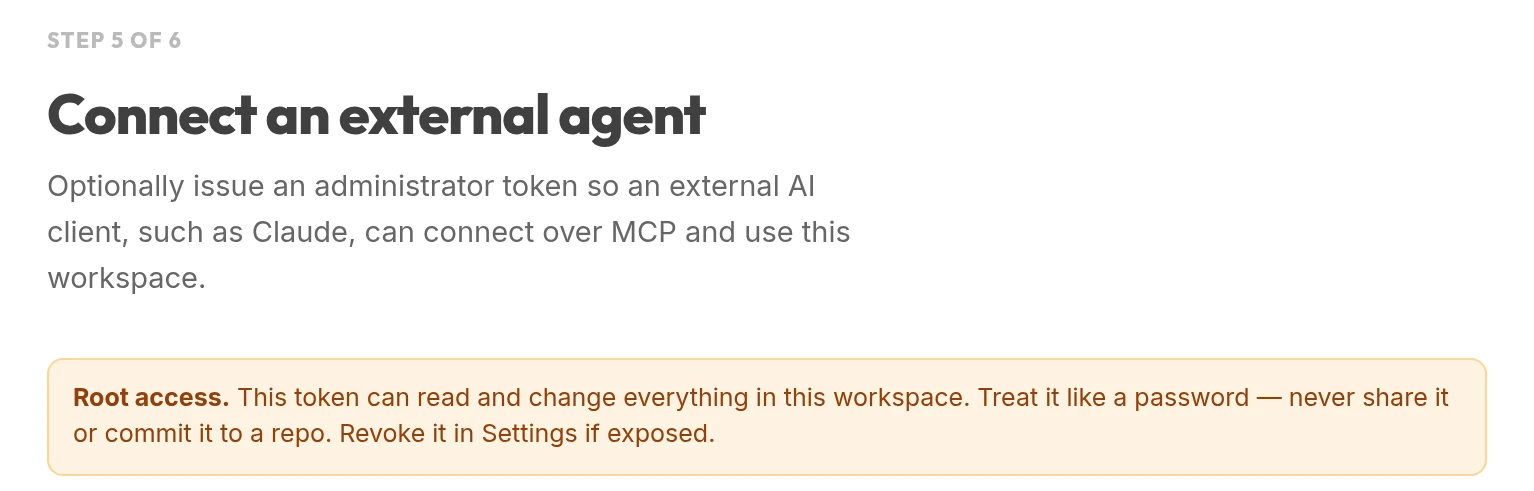
The setup step issues a token and prints the client config to paste into Claude or another MCP client. The token is shown once and can be revoked in Settings.
Pick the smallest automation you already rely on and move that one first. It is the fastest way to find out whether this is going to work for you, and it costs nothing to try.
curl -fsSL https://get.wippy.ai | shwippy install kickside