
Install

Install KickSide in Two Commands

Your own instance in two commands, on Linux or macOS. No account, no card, no license key, and nothing that expires.

Paste into a terminal
  1. curl -fsSL https://hub.wippy.ai/install.sh | bash
  2. wippy run kickside/kickside -c --profile quickstart

Open localhost:8085, sign in as admin@kickside.local with password kickside-admin, and change the password.

Watch it first

From Two Commands to a Working Copy

Recorded live on a fresh copy: the install, the first-run setup, and Claude connected at the end.

Two commands to a working copy 1:33 Install the runtime, start KickSide, and walk through the first-run setup, ending with Claude connected over MCP.
First sign-in

A Short Setup, Then You Are In

Everything except picking modules can be skipped and changed later.
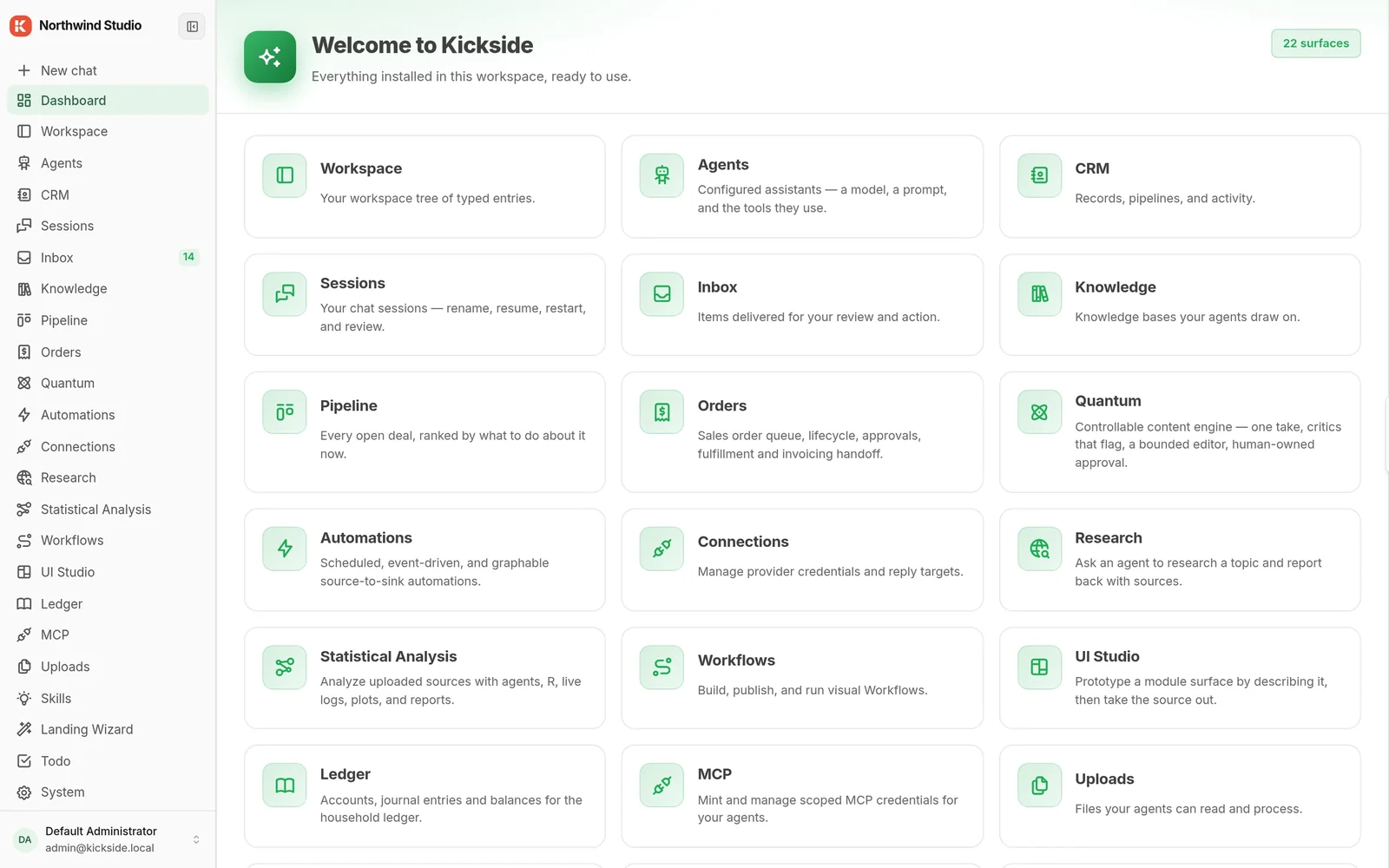
Dashboard of a fresh KickSide copy listing its installed areas: workspace, agents, CRM, inbox, knowledge, pipeline and more

Name and Logo

Shown in the header and on the sign-in screen.
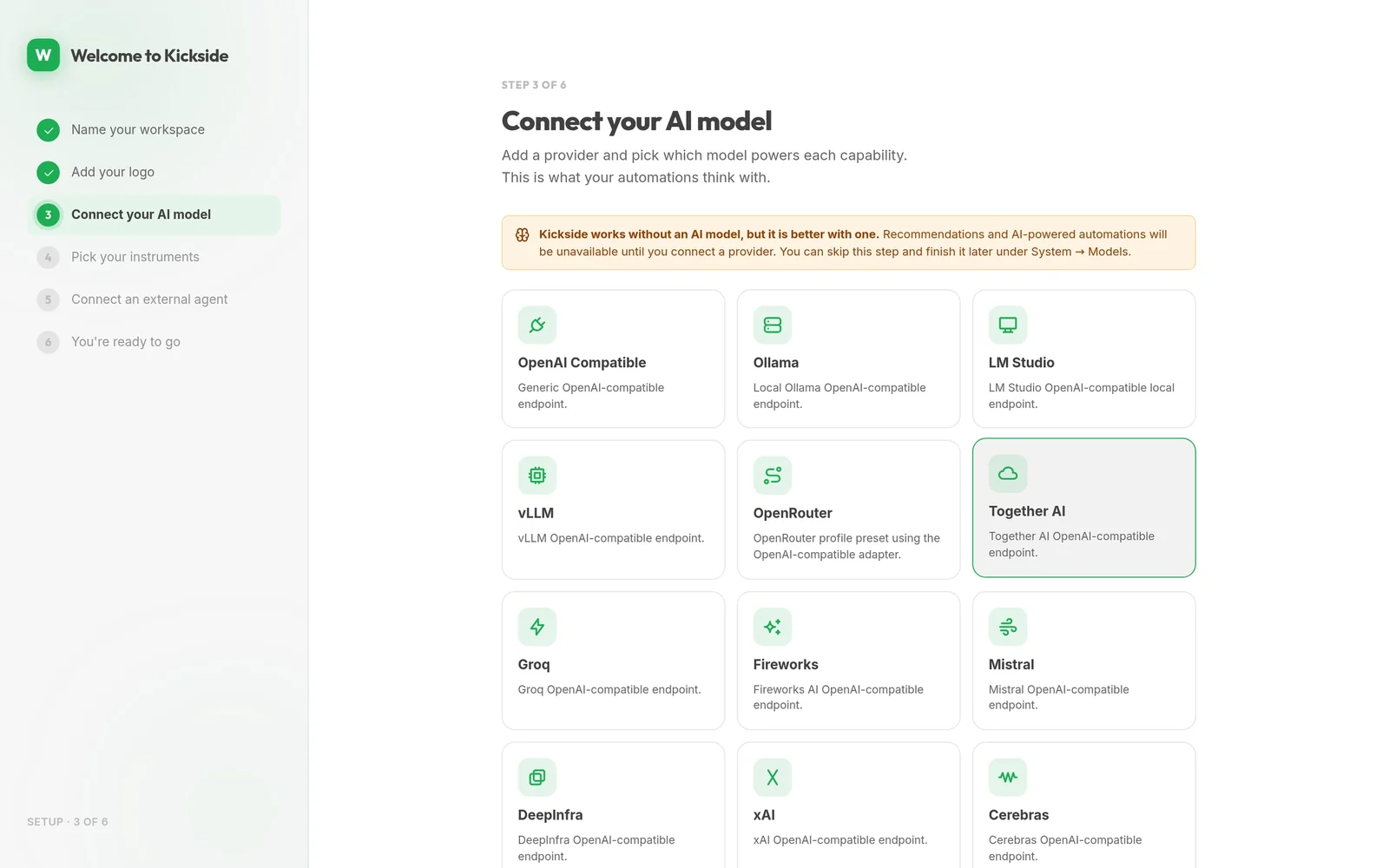
KickSide setup step for connecting an AI model, with providers including OpenAI-compatible, Ollama, LM Studio, vLLM, OpenRouter, Together AI, Groq, Fireworks and Mistral

AI Model

OpenAI, Anthropic, Gemini, OpenRouter and others, or Ollama, LM Studio and vLLM on your own hardware.
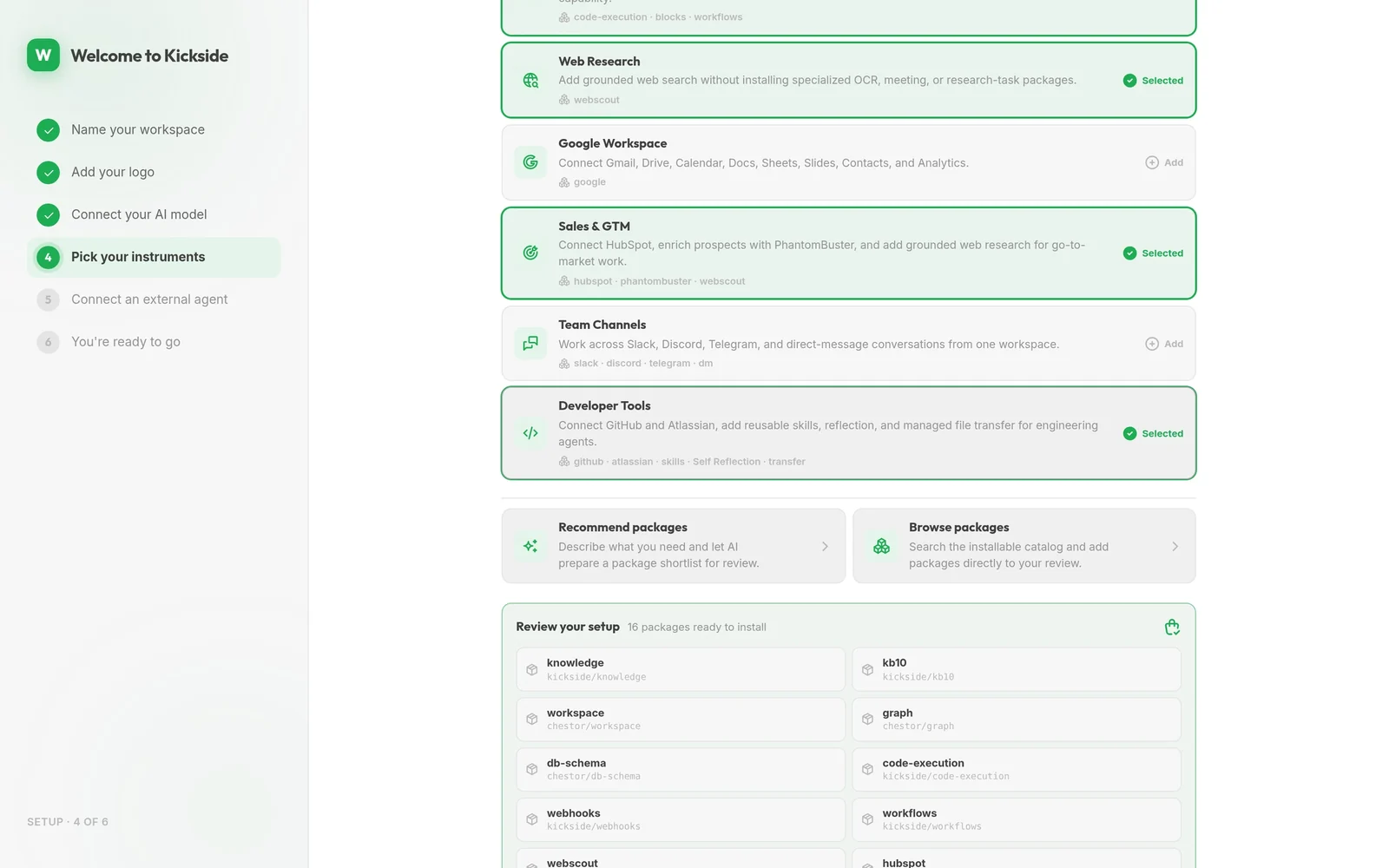
KickSide setup step picking module bundles, with Sales selected to connect HubSpot and Team Channels offering Slack

Modules

Knowledge base is always in. Add Sales, Team Channels or others.
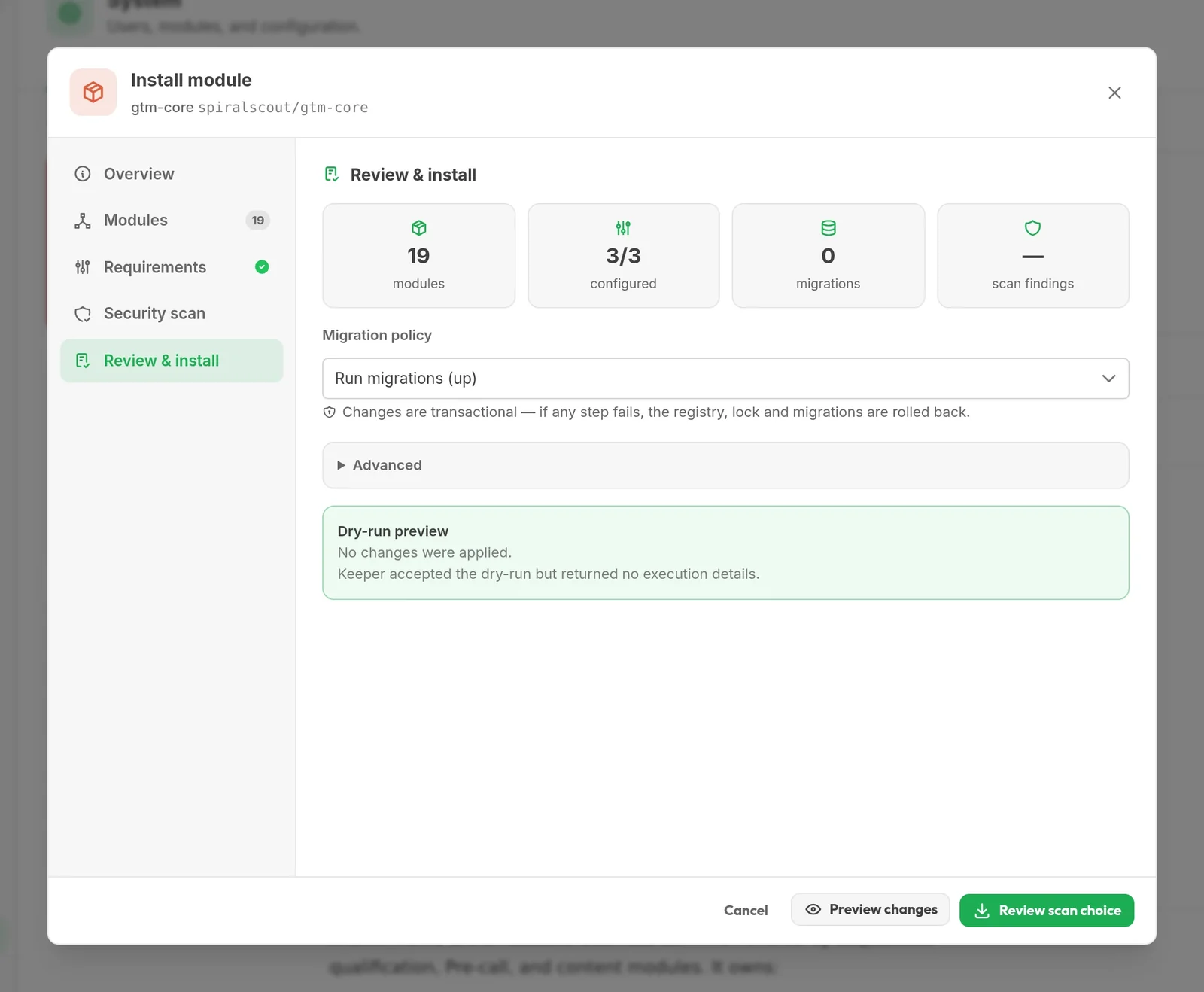
Module install review in KickSide showing what will install and what it needs

External Agent

Let an AI tool you already use work in KickSide, or skip it.

After the install

Add Capabilities and Connect Your AI Tool

Two things most people do in their first hour.

Install from the Hub, reviewed first 1:06 Browse the Hub, review a module’s dependencies and security check, and install it with no restart.
Connect Claude Code to your instance 1:11 Issue a credential scoped to one CRM and one capability, then watch Claude read the pipeline and log follow-up tasks.
Good to know

Restart, Update, Grow

Restart

Run wippy run -c --profile quickstart in the same folder. Your data lives there, so keep it.

Update

System → Modules → Update all, then restart.

Windows or a Team Server

Windows: get wippy from Wippy releases. For a team, use PostgreSQL.

Help

Stuck?

Documentation

Read the Docs

Install, connections, modules and permissions, step by step.

Open the docs
Source

Read the Code

KickSide and its modules are public on GitHub.

KickSide on GitHub
Contact

Stuck, or Want a Walkthrough?

Tell us where the install got stuck, or ask for a live demo instead. A person from our team writes back.

  1. Fill in the formYour name, work email, and what brings you here. A sentence about what you're building helps us prepare.
  2. We reply by emailA person from our team writes back, usually within one business day, to find a time.
  3. We show you KickSide on a callFocused on what you told us, with time for your technical questions.

This site is protected by reCAPTCHA.